How To Build Your First VR App with ViroReact and React Native (Archived)
Note: This article was published in 2019 and is now outdated.
This tutorial uses the original ViroReact platform, which has since been deprecated. The Viro platform was open-sourced and is now maintained by the community as
@viro-community/react-viro. The setup process, including the Viro Media testbed app and API key generation, described in this article is no longer applicable.The core concepts of Viro's components (
ViroScene,ViroText, etc.) remain conceptually similar. This article is preserved for historical reference. For current ViroReact development, please refer to the official community documentation.
Virtual Reality (VR) is an immersive technology that provides a three-dimensional, realistic environment for users. Its applications range from entertainment and gaming to critical healthcare simulations.
For React Native developers, the ViroReact platform made VR development accessible by providing a framework to rapidly build cross-platform AR/VR applications. This tutorial documents the original process of setting up ViroReact and building a basic VR application.
Overview
- Getting Started: Original Setup and Installation
- Understanding ViroReact
- Building a Basic VR Application
- Understanding Scenes and Text
- Adding 3D Effects to Text
- Adding a 360 PhotoSphere
Getting Started: Original Setup and Installation (Deprecated)
The original setup process involved using the react-viro-cli and a testbed application provided by Viro Media.
The required command-line tools were:
npm install -g react-native-cli react-viro-cli
A new project was initialized using the Viro CLI, which created a React Native project with Viro integration by default.
react-viro init [PROJECT_NAME] --verbose
This generated a project structure with both React Native and Viro dependencies.
What was ViroReact?
ViroReact was a platform for building Augmented Reality (AR) and Virtual Reality (VR) experiences using React Native. It provided an API with custom React components designed for rendering scenes and objects in a 3D environment. ViroReact was open-source and supported major mobile AR/VR technologies like ARKit, ARCore, Google Cardboard, and Daydream.
Viro API Key and Testbed App (Deprecated)
A unique API key from Viro Media was required to use the platform. This key was added to the App.js file of the project.
var sharedProps = {
  apiKey: 'API_KEY_HERE'
};
Development and testing were done using the Viro Media App, a testbed application available on the iOS App Store and Google Play Store. Developers would run their local development server (npm start), which used ngrok to create a public endpoint. This endpoint was then entered into the Viro Media App to load and test the application on a physical device.
Building the Application
The entry point for a Viro application was a scene navigator, either ViroARSceneNavigator for AR or ViroVRSceneNavigator for VR. This navigator required the API key and an initialScene prop to render the first scene.
<ViroVRSceneNavigator
  {...this.state.sharedProps}
  initialScene={{ scene: InitialVRScene }}
/>
The InitialVRScene was a reference to the main scene component of the application.
Scenes and Text in a VR App
In ViroReact, scenes are represented by the ViroScene component, which is analogous to a View in a standard 2D application.
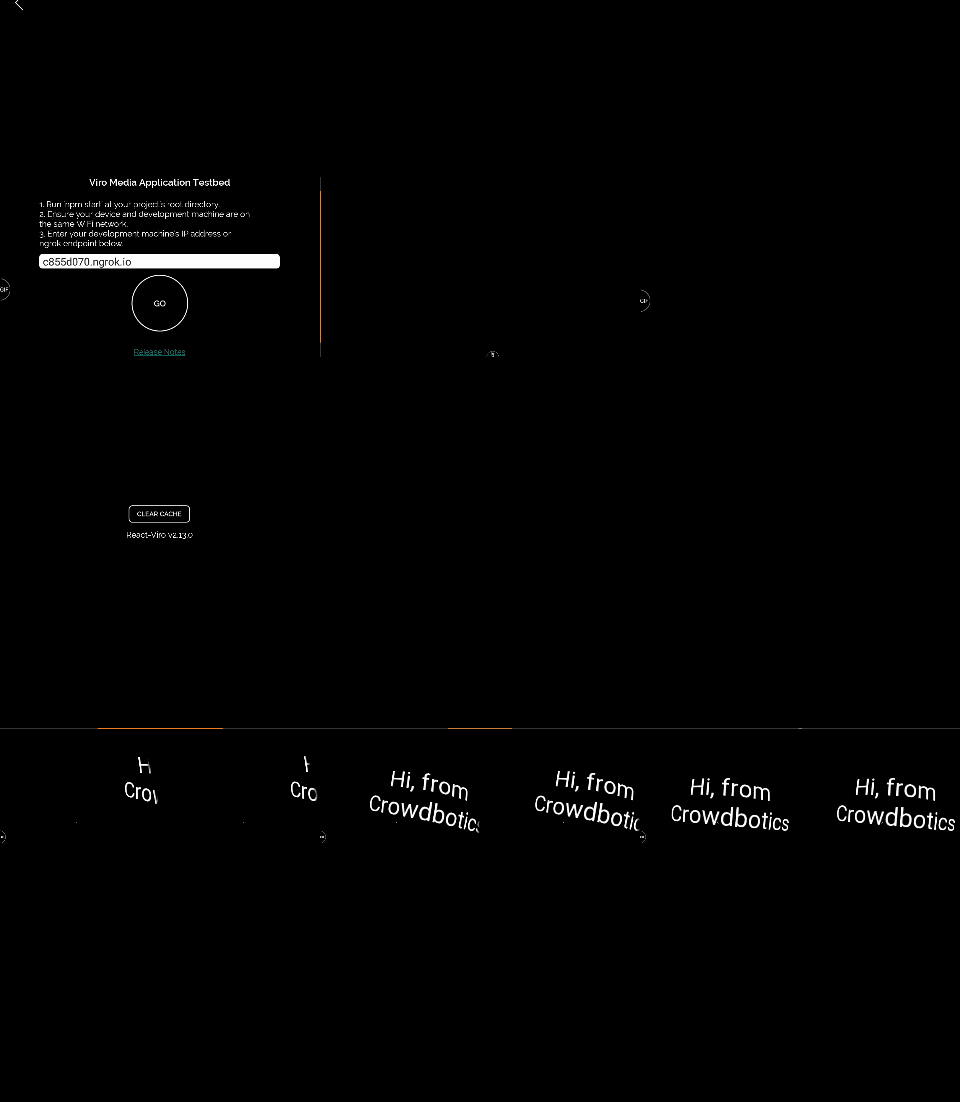
Text could be rendered using the ViroText component, which supported various properties for styling and positioning in a 3D space.
<ViroScene>
  <ViroText
    fontSize={40}
    text='Hi, from Crowdbotics'
    width={2}
    height={2}
    position={[0, 0, -2]} // x, y, z coordinates
    textAlign='center'
    color='#ffffff'
  />
</ViroScene>
The position prop was crucial for placing objects within the 3D world.
Adding 3D Effects to Text
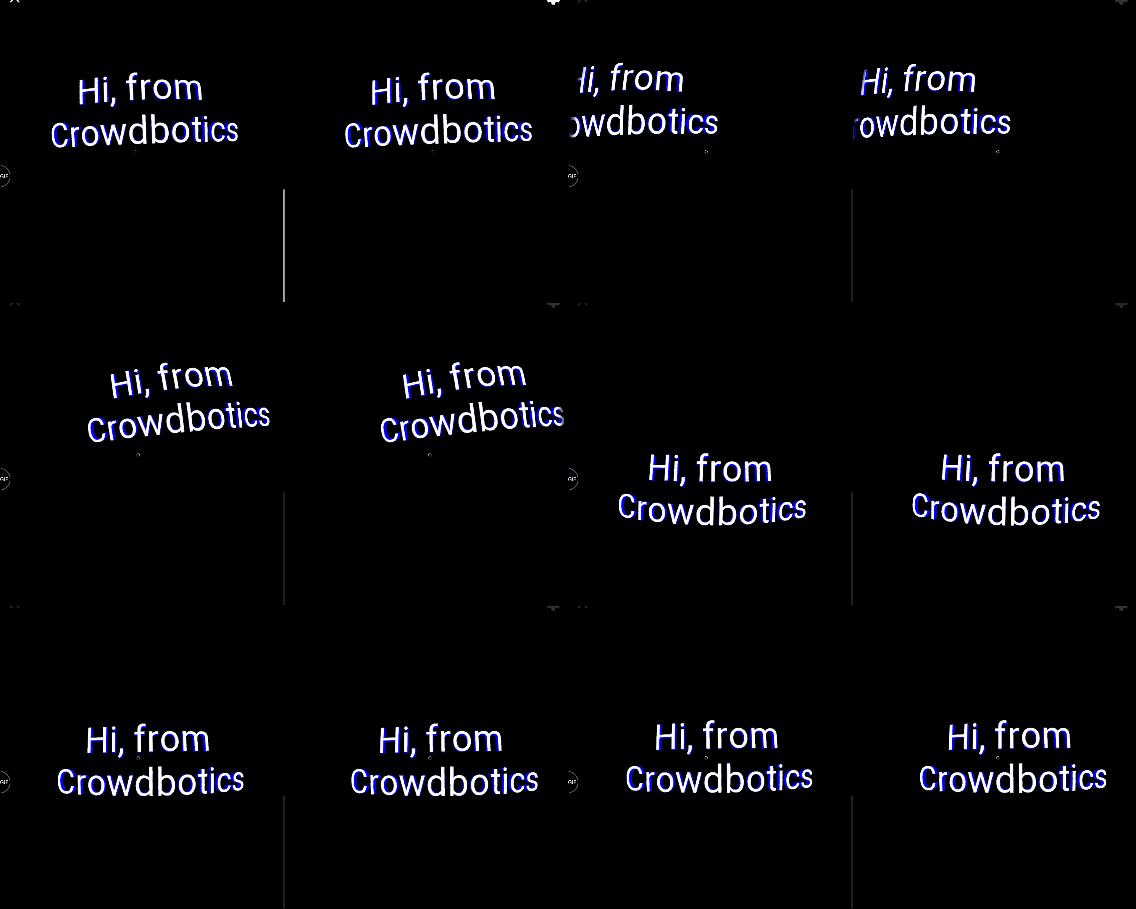
ViroText supported 3D effects through the extrusionDepth prop. When this value was greater than zero, you could apply different materials to the front, back, and sides of the text to create a sense of depth.
import { ViroScene, ViroText, ViroMaterials } from 'react-viro';

// ...

<ViroText
  // ... other props
  extrusionDepth={8}
  materials={['frontMaterial', 'backMaterial', 'sideMaterial']}
/>

// Define the materials
ViroMaterials.createMaterials({
  frontMaterial: {
    diffuseColor: '#FFFFFF'
  },
  backMaterial: {
    diffuseColor: '#FF0000'
  },
  sideMaterial: {
    diffuseColor: '#0000FF'
  }
});
This allowed for creative styling of 3D text elements.
Adding a 360° PhotoSphere
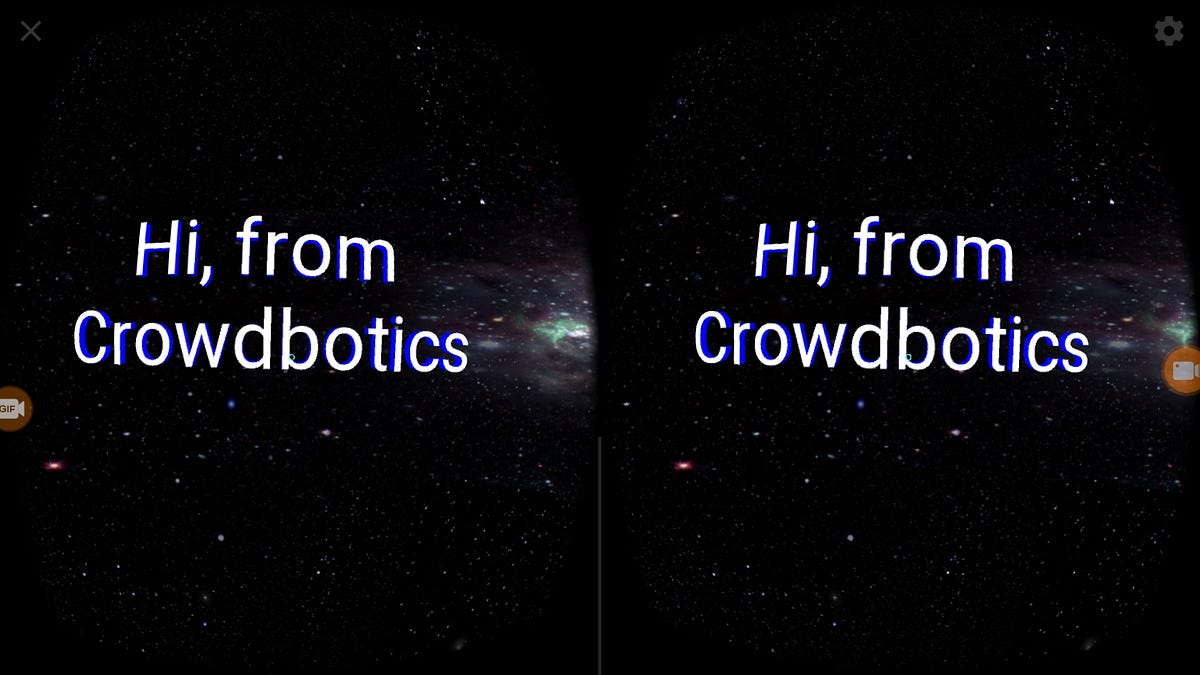
A common feature in VR applications is a 360° background image. ViroReact provided the Viro360Image component for this purpose. It used the device's gyroscope to create an immersive panoramic background.
<ViroScene>
  <Viro360Image source={require('./res/360_space.jpg')} />
  <ViroText {/*...*/} />
</ViroScene>
This component would wrap the entire scene, providing a complete VR environment.
Conclusion
This tutorial provided a historical look at building a VR application with the original ViroReact platform. While the specific setup process is now deprecated, the core concepts behind Viro's declarative, component-based approach to building 3D worlds remain influential. Modern VR development in React Native continues with the community-driven @viro-community/react-viro project.