Copy pasting on Ubuntu Server in VirtualBox
tl;dr
- You need to install VirtualBox Guest Additions (CD image provided) on the guest server in order for copy/paste to work
- However, it does not work for Ubuntu Server without a GUI. Assumption is that it doesn't work because it needs to have an X server running for copy/paste to work
- Workaround: Install
openssh-serveron your guest instance and SSH into it. I personally prefertailscale
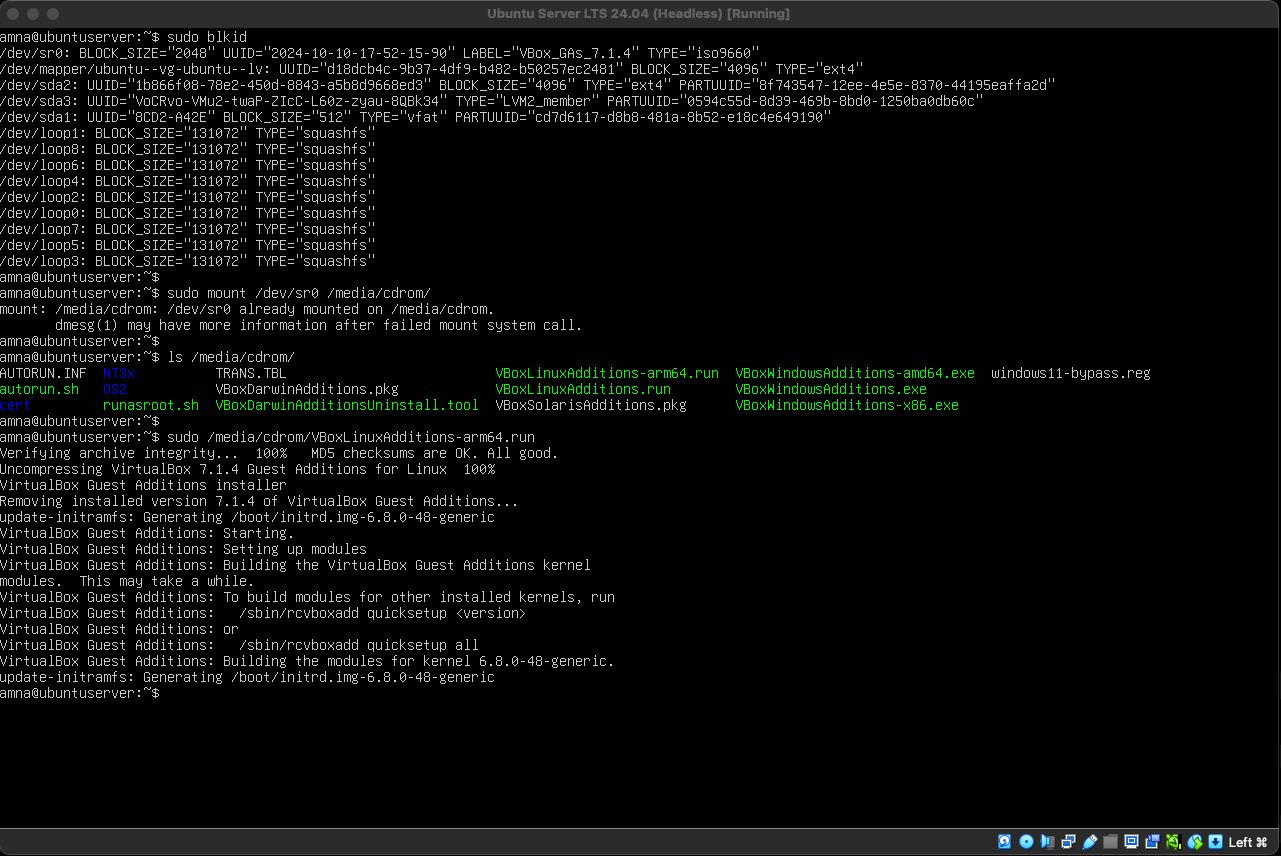
If you wanted to install Guest Additions from the terminal, you can do so by mounting the CD image and running the .run script meant for your guest. For example, I have an Ubuntu server for ARM devices installed inside VirtualBox on my Apple Silicon Mac, i will run sudo /media/cdrom/VBoxLinuxAdditions-arm64.run
Insert the CD image: From the VirtualBox VM window menu select: Devices > Insert Guest Additions CD image...
code
# install dependencies
# DKMS is for Dynamic Kernel Module Support
sudo apt install dkms

# use `blkid` to identify CD-ROM device
# usually `/dev/sr0` - will have TYPE="iso9660"
sudo blkid

# mount the CD image
sudo mount /dev/sr0 /media/cdrom

# run the script
sudo /media/cdrom/VBoxLinuxAdditions-arm64.run

# reboot the guest
sudo reboot