Customizing desktop appearance on Ubuntu with Conky themes and GNOME extensions
code
# install dependencies
# lua is needed by conky-manager scripts
sudo apt install -y git curl lua5.4

# install conky with all features enabled
sudo apt install conky-all

# install Conky Manager
sudo add-apt-repository ppa:teejee2008/foss
sudo apt update
sudo apt install -y conky-manager2

# install Lua
sudo apt install lua5.4

# Gnome Extensions and Tweaks
sudo apt install gnome-tweaks chrome-gnome-shell
mpd - Music Player Daemon playerctl - utility to control media players via MPRIS fc-cache - build font information cache files
code
# after installing fonts, run this command:
fc-cache -fv
Extensions
Application Menu, User Theme, Blur my shell
Dash to dock,
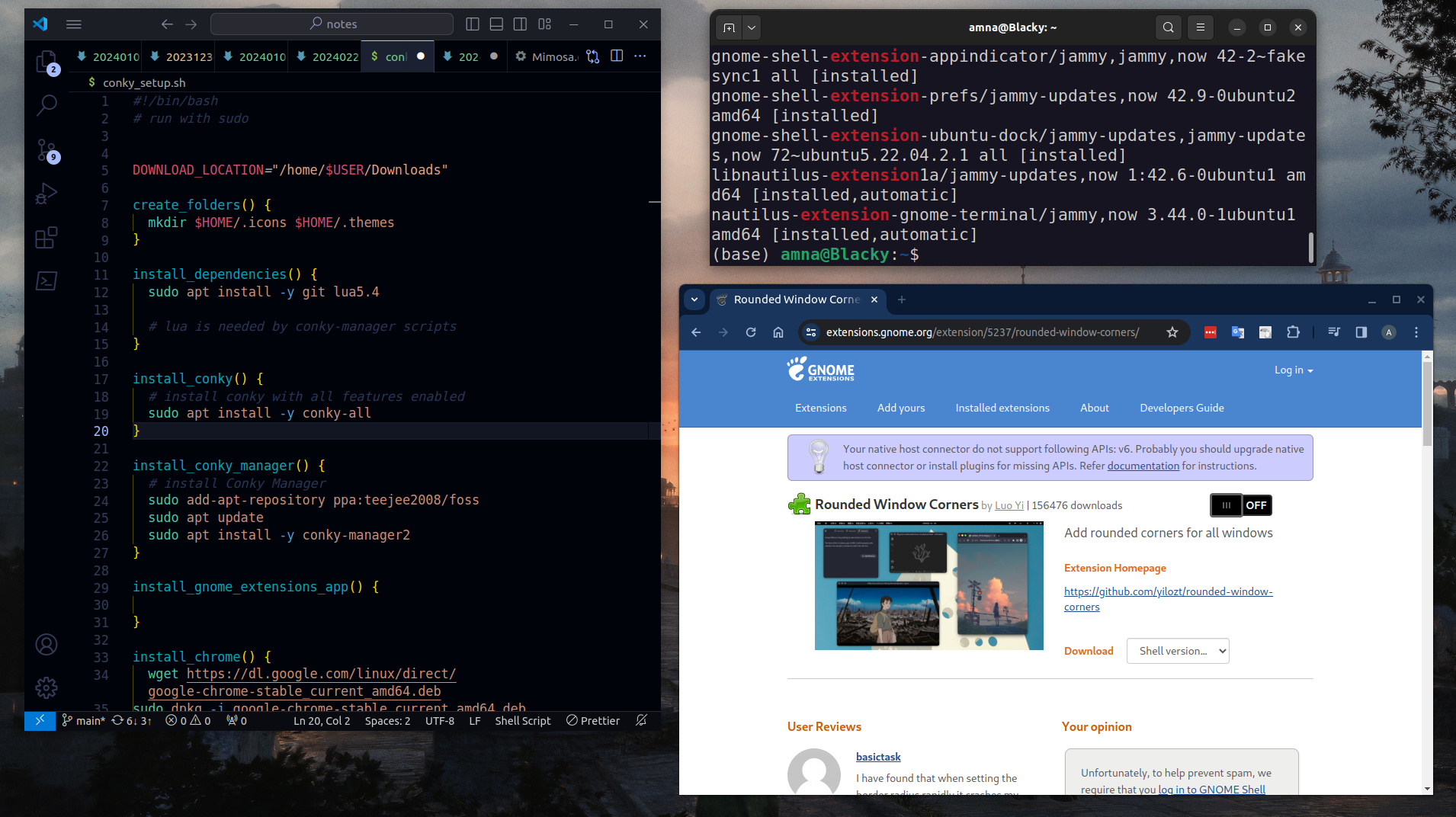
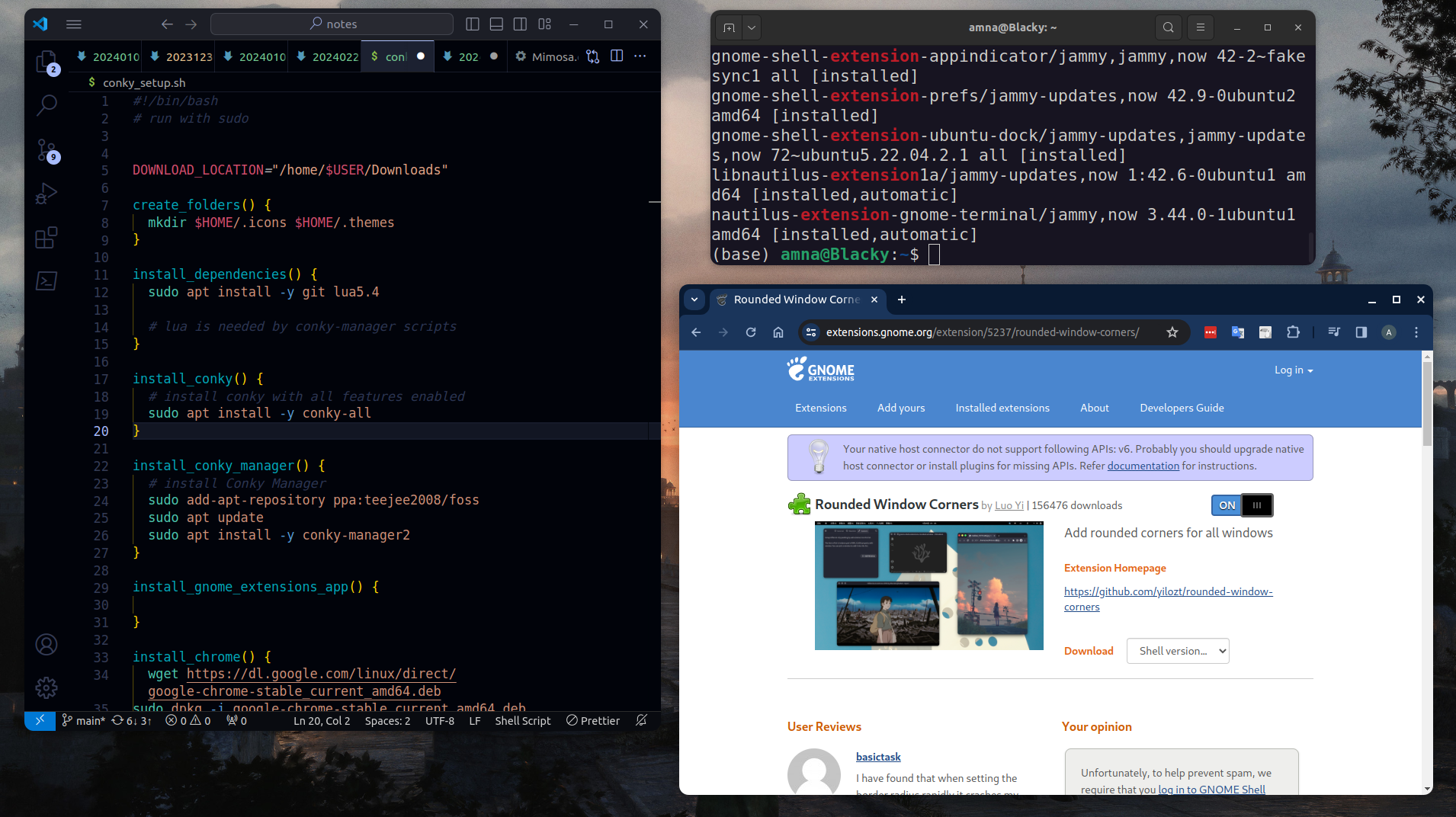
Rounded window corners
Default Ubuntu theme has rounded top corners for most app windows. Third party apps like VS Code still have sharp corners without an border radius for app windows.
mutter-rounded is a patched window manager that lets you add background blur and roundeed corners for Windows. It will no longer be updated. The developer has moved to creating a rounded corners GNOME extension instead, which provided rounded corners but no blur.
You need to have Chrome installed in order to install GNOME extensions
Configuration file: ~/.conkyrc